Private & Secure
Your photos never leave your device. All compression runs locally in your browser — no uploads, no server storage, no analytics on your files.
Reduce image file size by up to 80% without losing quality. Smart PNG quantization (like TinyPNG), JPG optimization, and WebP conversion. Free, private, and runs locally.
Reduce image file sizes by up to 80% with local, browser-based compression. No uploads, no sign-up, no watermarks.
Drop PNG, JPG, or WebP files onto the compressor. Batch upload an entire folder in one go.
Keep the original format or convert to PNG, JPG, or WebP depending on your use case.
Drag the quality slider. A setting of 75-85 is ideal for most web images.
See the original size, new size, and percentage saved for each image before downloading.
Save individual files or click Download all to receive a single ZIP archive.
Compressing images before you publish them is the fastest way to speed up your website, app, or store listing.
Your photos never leave your device. All compression runs locally in your browser — no uploads, no server storage, no analytics on your files.
Near-native compression powered by WebAssembly. Typically 3-5x faster than pure JavaScript tools.
Drop a whole folder of images, review savings per file, then download everything as a single ZIP.
Convert PNG, JPG, and WebP in one click with a live preview so you can verify quality before downloading.
Default settings keep files looking identical while cutting size by 60-80%. Dial quality up or down for retina or thumbnails.
No account, no trial, no usage limits, no watermark. Use it as often as you need, on as many images as you want.
Common ways teams and creators use our image compressor.
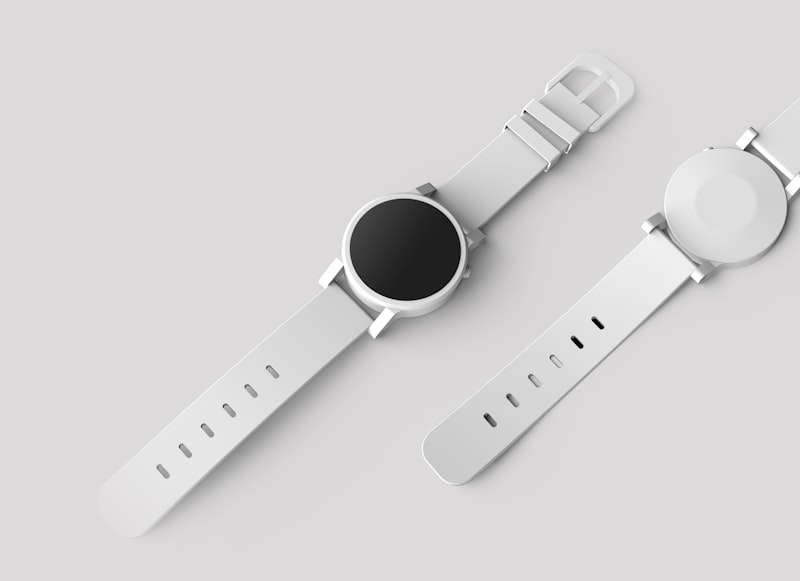
Shrink ecommerce galleries so pages load faster without losing detail.
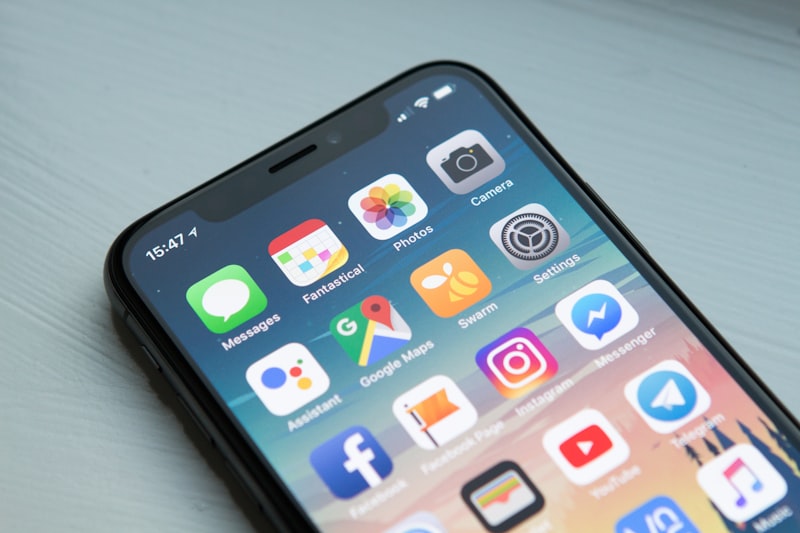
Prepare App Store and Play Store screenshots that meet size limits.

Compress hero images and thumbnails for better Core Web Vitals.
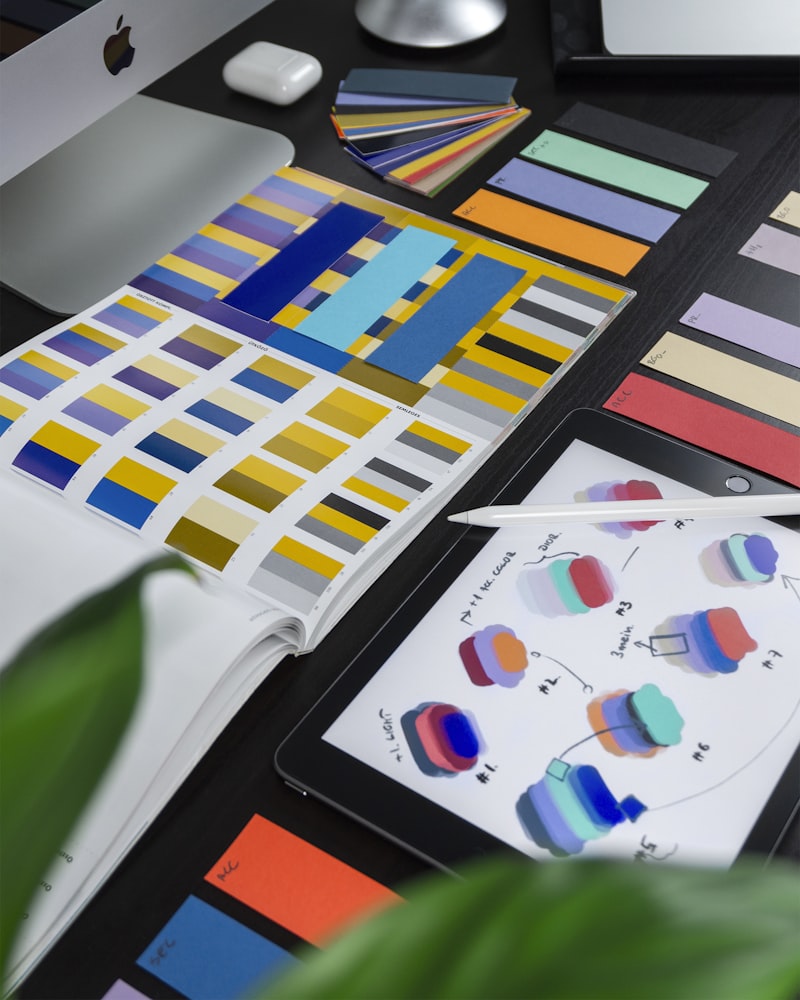
Optimize mockups, icons, and social graphics before handoff.
Drag a folder of 30+ images onto the compressor. The tool queues every file and processes them in parallel, showing the original size, new size, and savings for each one. When you are done, download everything as a single ZIP archive with original filenames preserved.
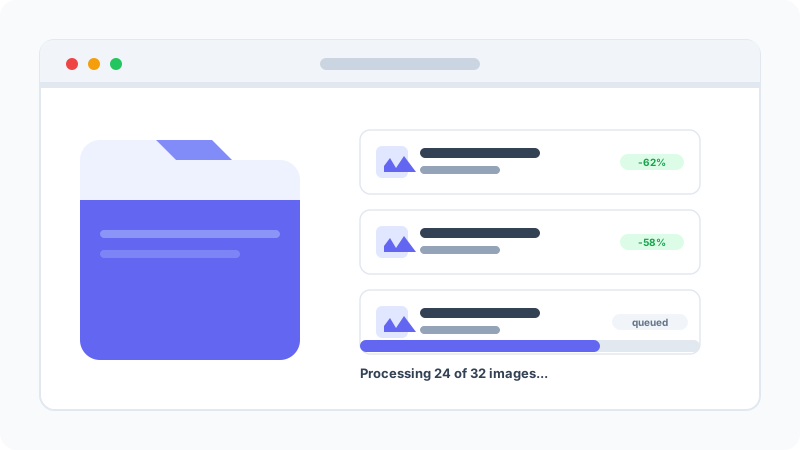
Click any thumbnail to open a full-resolution preview and compare the compressed image against the original. This makes it easy to spot any visible quality loss before you download, so you can dial the quality slider up or down for each use case.
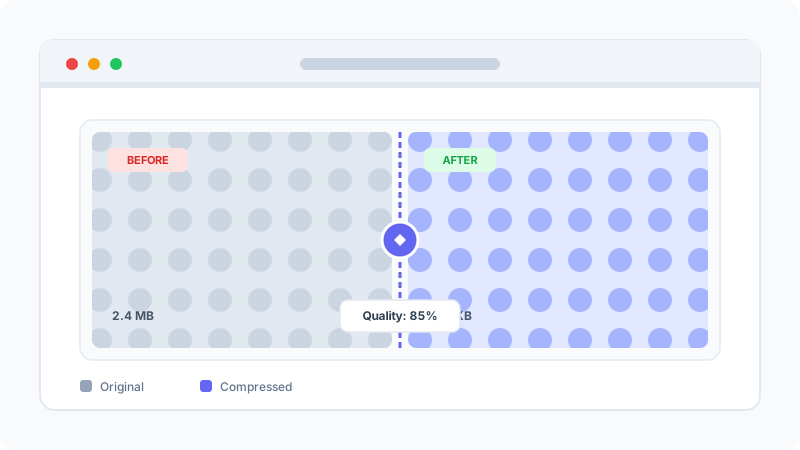
Switch between PNG, JPG, and WebP without leaving the tool. A live preview lets you see the impact of each format instantly, and the size comparison tells you exactly how much you will save before you commit.
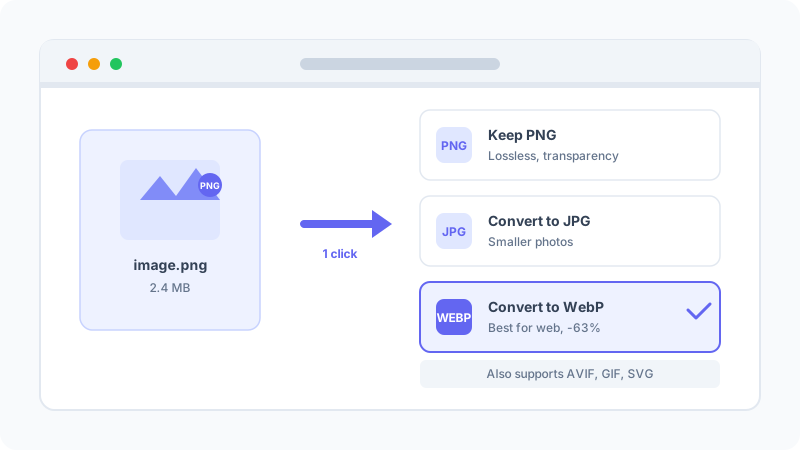
Picking the right format for each image is the easiest way to shrink file size without losing quality.
Ideal for photographs and complex gradients. Small files, rich colors, but no transparency.
Perfect for logos, icons, screenshots, and any image that needs sharp edges or transparency.
Modern format supported by all major browsers. Typically 25-35% smaller than JPG or PNG with transparency support.
Next-gen format with the best compression. Use when file size matters most and browser support is acceptable.
Limited to 256 colors. Fine for tiny loops, but WebP or MP4 usually gives better quality at a fraction of the size.
Best for logos and icons. Scales infinitely without quality loss and stays tiny at any resolution.
Quick answers to common questions about image compression.
This tool runs entirely in your browser.
Even if your internet connection drops mid-compression, your files remain safe on your device.
Learn how to optimize images for the web without losing quality. Improve your website speed, SEO rankings, and user experience with these proven techniques.
Use the right Instagram image sizes for posts, Stories, and Reels. Learn aspect ratios, export settings, and compression tips to avoid blurry uploads.
Every 2025 social image size in one place: Instagram, Facebook, X, LinkedIn and TikTok dimensions for posts, stories and profiles.